One space for the family.
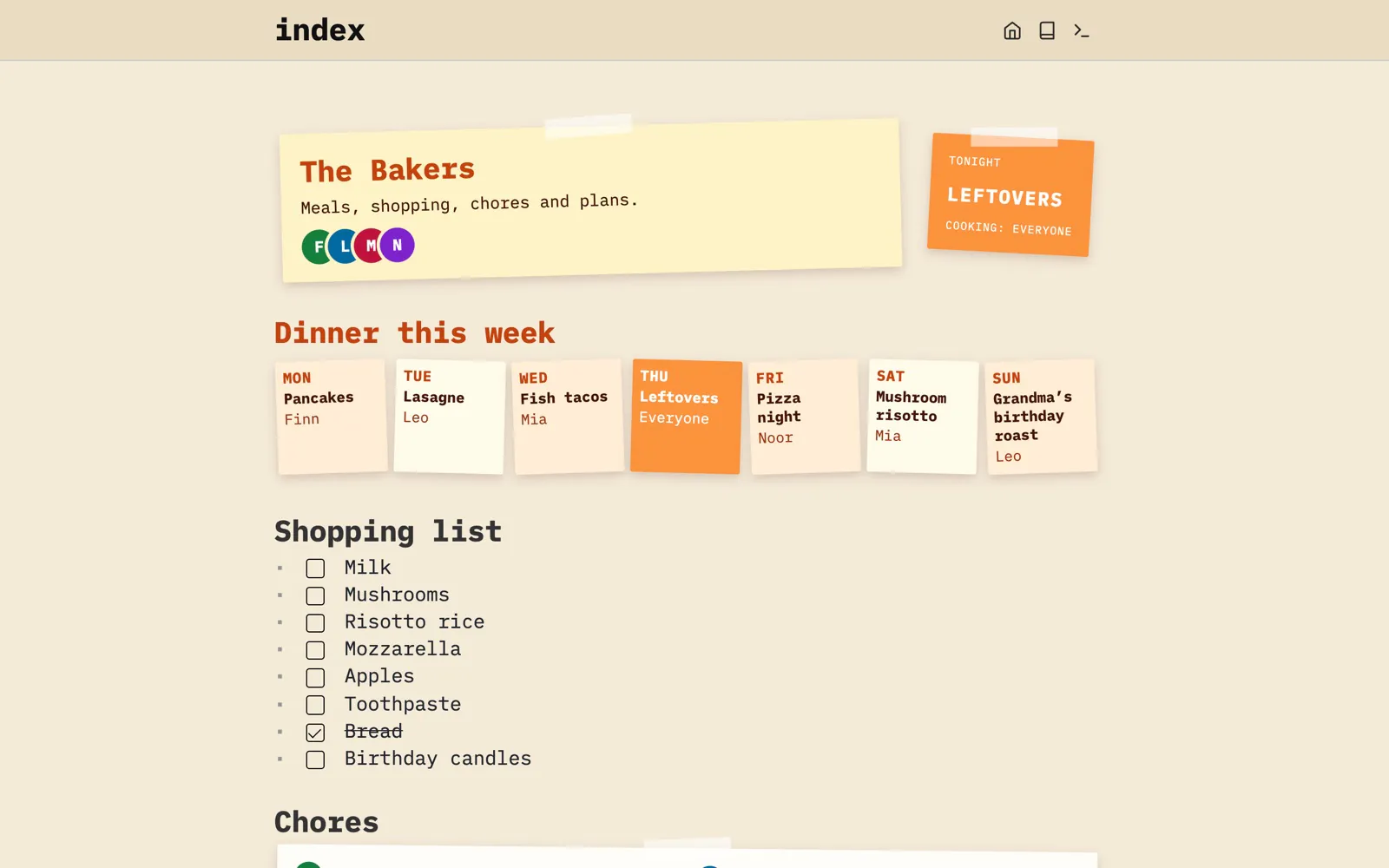
Meals, shopping, chores and plans in one space the whole household can edit, from every phone.
The shopping list is in one app, the meal plan on the fridge, the chores in a group chat. Nobody knows who’s cooking on Thursday.
Let’s talk about the Bakers
Meet the Bakers: Mia, Leo, and their kids Noor and Finn. Their shopping list was in one app, the meal plan on the fridge and the chores in the group chat.
Now it’s one space they all open on their phones: the dinners for the week and who cooks them, the shopping list, whose chores are left, and what’s coming up.
Let’s walk through the Bakers’ family space and see what it looks like; its files are on GitHub. It’s just one example of how a space could be set up. Yours will likely look nothing like it, and that’s exactly the point: you make SilverBullet work the way you want.
The week at a glance.
Who cooks which dinner, what to buy, whose chores are left and what’s coming up, all on the home page.
Built with: Space Lua · Space Style · Queries
Show some code
function family.meals()
  local meals = query[[
    from m = index.items "meal"
    select m
  ]]
  table.sort(meals, function(a, b)
    return DAYS[a.day] < DAYS[b.day]
  end)
  local today = os.date "%a"
  local cards = {}
  for _, m in ipairs(meals) do
    table.insert(cards, dom.div {
      class = m.day == today and "fam-meal fam-today" or "fam-meal",
      dom.div { class = "fam-day", m.day },
      dom.div { class = "fam-dish", m.name },
      dom.div { class = "fam-cook", m.cook },
    })
  end
  return widget.htmlBlock(dom.div {
    class = "fam fam-meals",
    table.unpack(cards),
  })
endFrom Library/Family Home.
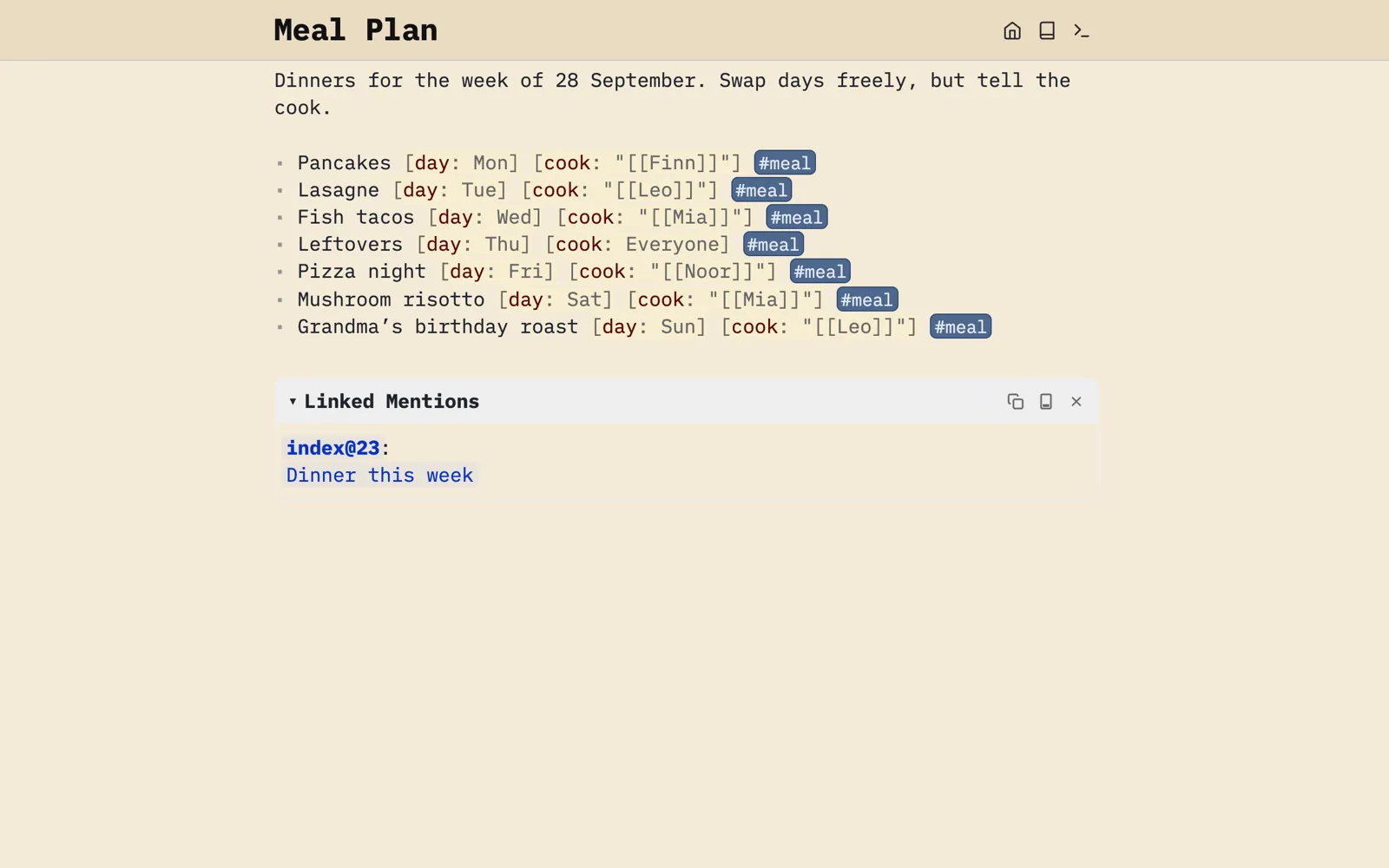
A meal plan as a list.
Each dinner is a list item tagged #meal, with its day and cook as attributes, so the home page can query the week’s dinners.
Built with: Attributes · Tags
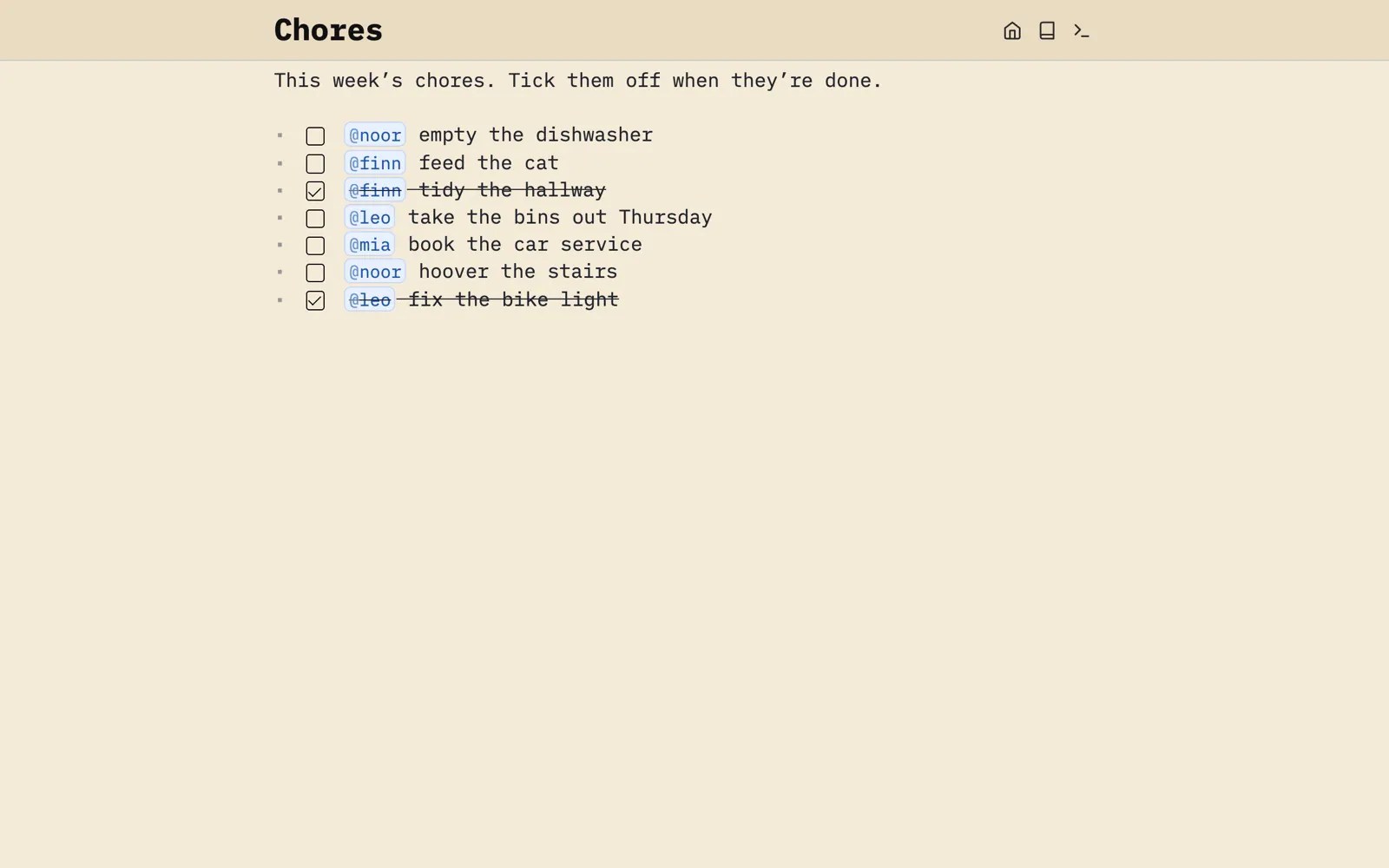
Chores with a name on them.
Address a chore with @finn. On the home page, each chore links straight to its line here.
Built with: Tasks · At-mentions
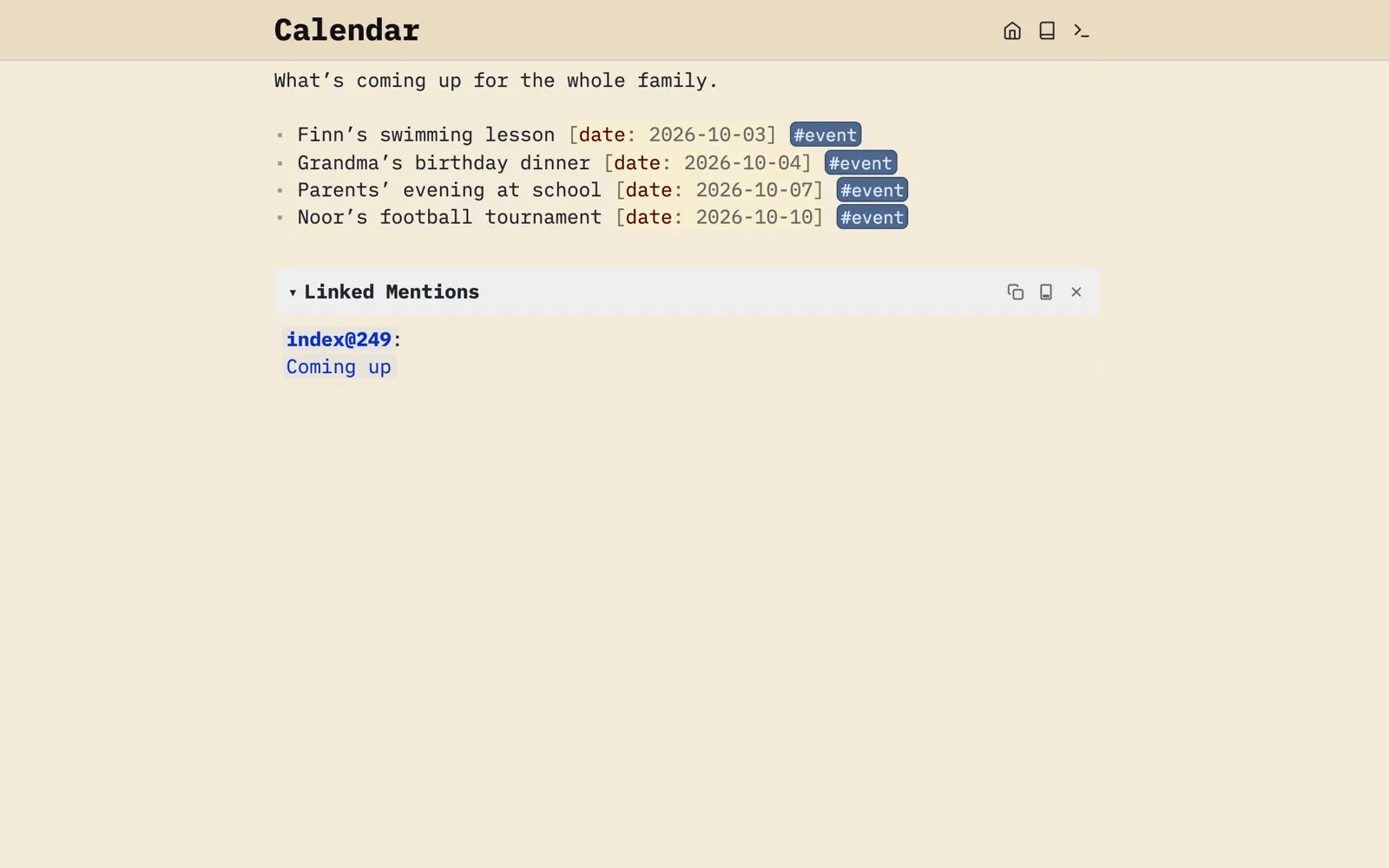
What’s coming up.
Events are list items with a date, and the home page lists them in order with a date badge.
Built with: Attributes · Queries
Show some code
function family.events()
  local events = query[[
    from e = index.items "event"
    order by e.date
    select e
  ]]
endFrom Library/Family Home.
And also...
Everyone on their own phone.
Run one SilverBullet Server for the household and everyone signs in with their own account, on any device. Tick bread off in the shop, and it’s ticked at home.

Run it for the family.
Put it on a small machine at home, or let a host such as PikaPods run it for you.