Docs that live with your code.
Keep your documentation as markdown in the same git repository as the code it describes. Write it in SilverBullet, review it in pull requests, and ship it with every release. Publish it to the world if you like, or keep it in the repo.
Documentation usually lives somewhere else: a wiki or a docs platform, away from the code. It falls behind with every release, nobody reviews it with the change that made it wrong, and there’s no telling which version of the docs goes with which version of the product.
Let’s talk about SilverBullet’s documentation
SilverBullet’s own documentation lives in the docs folder of the SilverBullet repository, right next to the code it describes. It’s written in SilverBullet, its changes go through the same pull requests as the code, and the same folder is published as docs.silverbullet.md. Its navigation, its section pages and its API reference are built with the same features you have.
It’s just one example of how a space could be set up. Yours will likely look nothing like it, and that’s exactly the point: you make SilverBullet work the way you want.
A documentation site, built in SilverBullet.
The start page of SilverBullet’s own documentation: the same space the team edits, open to the public for reading.
Built with: Space Lua · Publishing
Show some code
# Sections
${query[[
  from s = docsNav.sections
  where s.name ~= "Start"
  select templates.docsSection(s)
]]}
From SilverBullet.
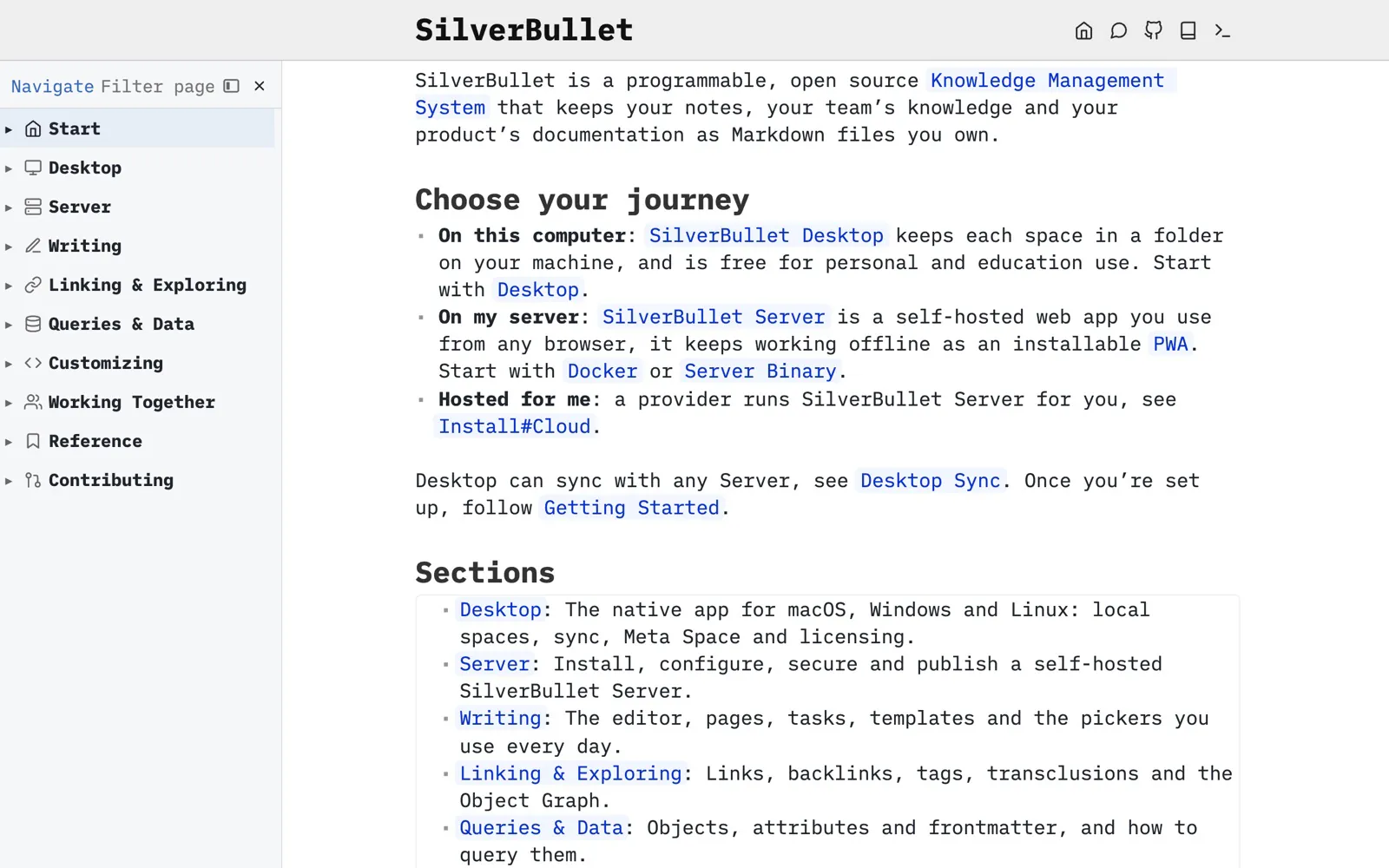
Section pages that list themselves.
Each section page lists its pages with a one-line summary, generated from the space. Add a page to a section, and it appears.
Built with: Queries · Space Lua
Show some code
${query[[
  from e = docsNav.pages
  where e.name:match "^Customizing/[^/]+$"
  select templates.docsPage(e)
]]}
From Customizing.
templates.docsPage = template.new[==[
    * [[${ref}|${name:match "[^/]+$"}]]: ${docsNav.summary(ref) or ""}
]==]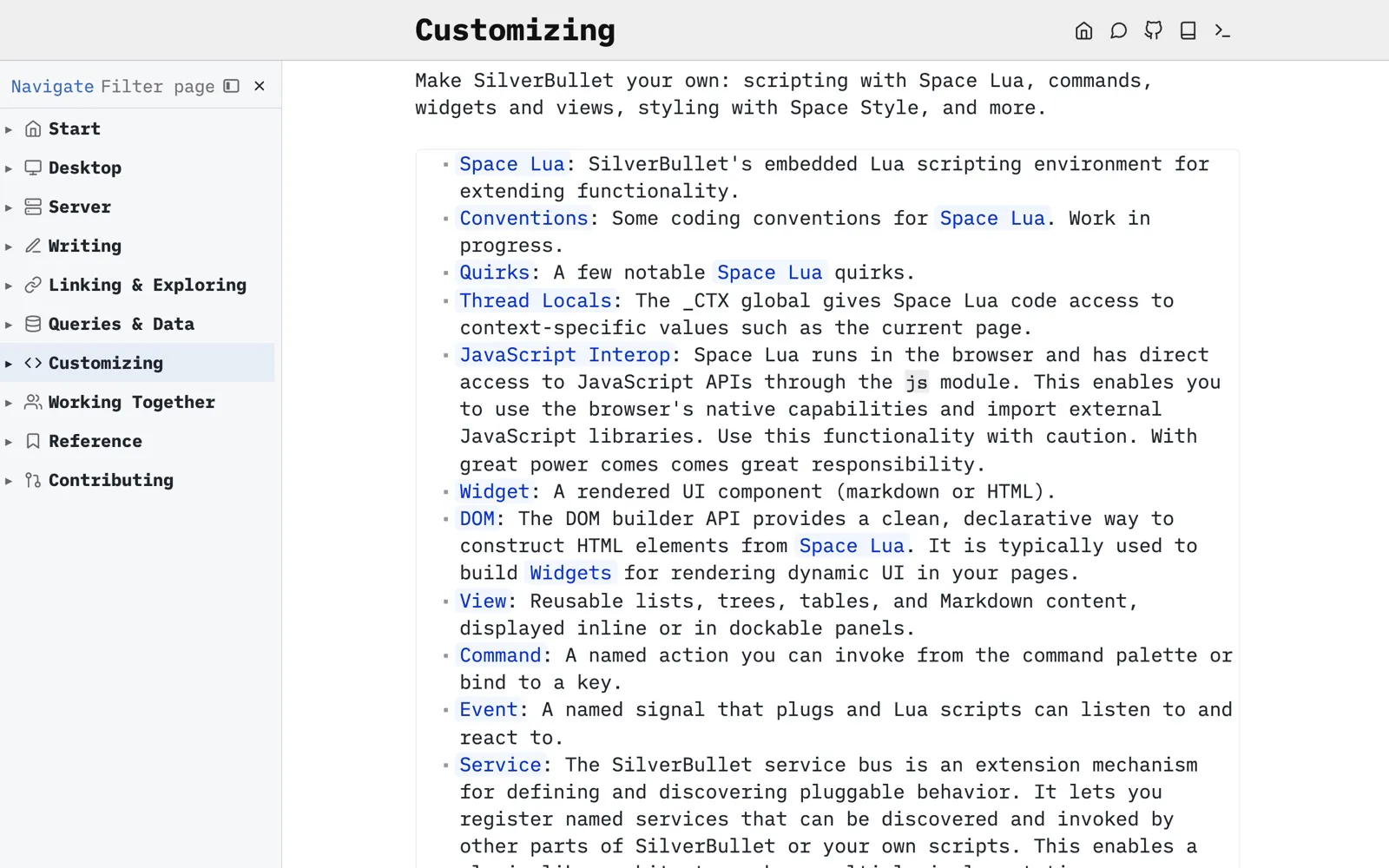
Custom navigation.
The tree on the left looks like the default page tree, but it is not: it’s a custom view, defined in a few dozen lines of Space Lua. A hand-curated list puts every page in its section with its own icon, and the tree follows along as you move between pages. CONFIG docks it on the left by default.
Show some code
-- Simplified version
view.define {
  name = "docs.navigate",
  title = "Navigate",
  dock = "lhs",
  followEditor = true,
  source = function()
    local rows = {}
    for _, entry in ipairs(docsNav.pages) do
      rows[#rows + 1] = { name = entry.name, ref = entry.ref, icon = entry.icon }
    end
    return rows
  end,
  presentation = {
    mode = "tree",
  },
  onSelect = function(o)
    editor.navigate(o.ref)
  end,
}From Library/Website.
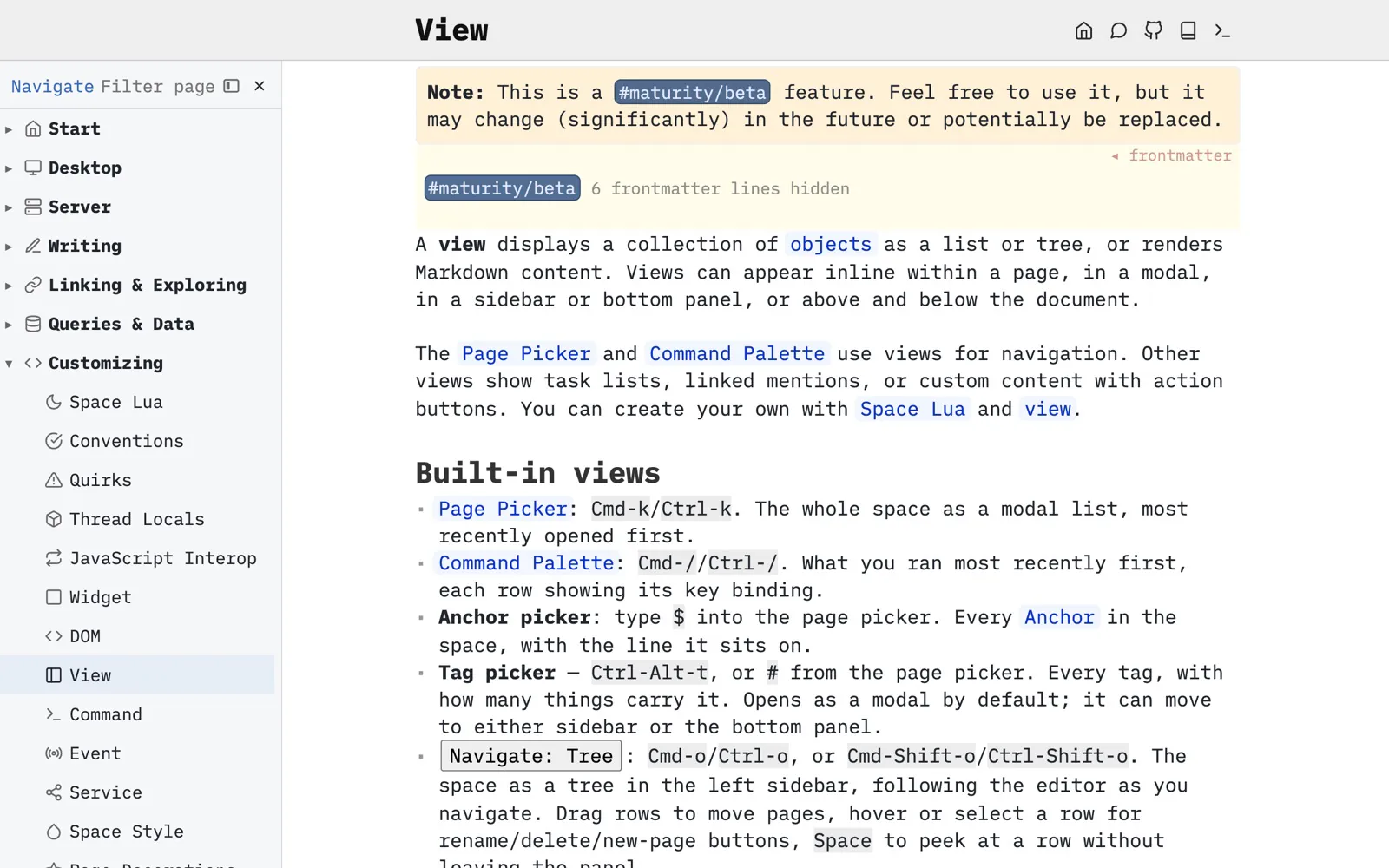
Notices from tags.
Tag a page as experimental, and a view docked above the page shows a notice on every page that carries the tag.
Built with: Tags · Views · Widgets
Show some code
view.define {
  name = "website.maturity",
  dock = "page-top",
  frame = "minimal",
  content = function()
    local meta = editor.getCurrentPageMeta()
    if not meta then
      return
    end
    for _, tagName in ipairs(meta.tags) do
      if tagName:startsWith("maturity/") then
        return widget.new {
          markdown = spacelua.interpolate([==[
**Note:** This is a #${maturityTag} feature. Feel free to use it, but it may change (significantly) in the future or potentially be replaced.
]==], {maturityTag=tagName}),
          cssClasses = {"website-warning"},
        }
      end
    end
  end,
}From Library/Website.
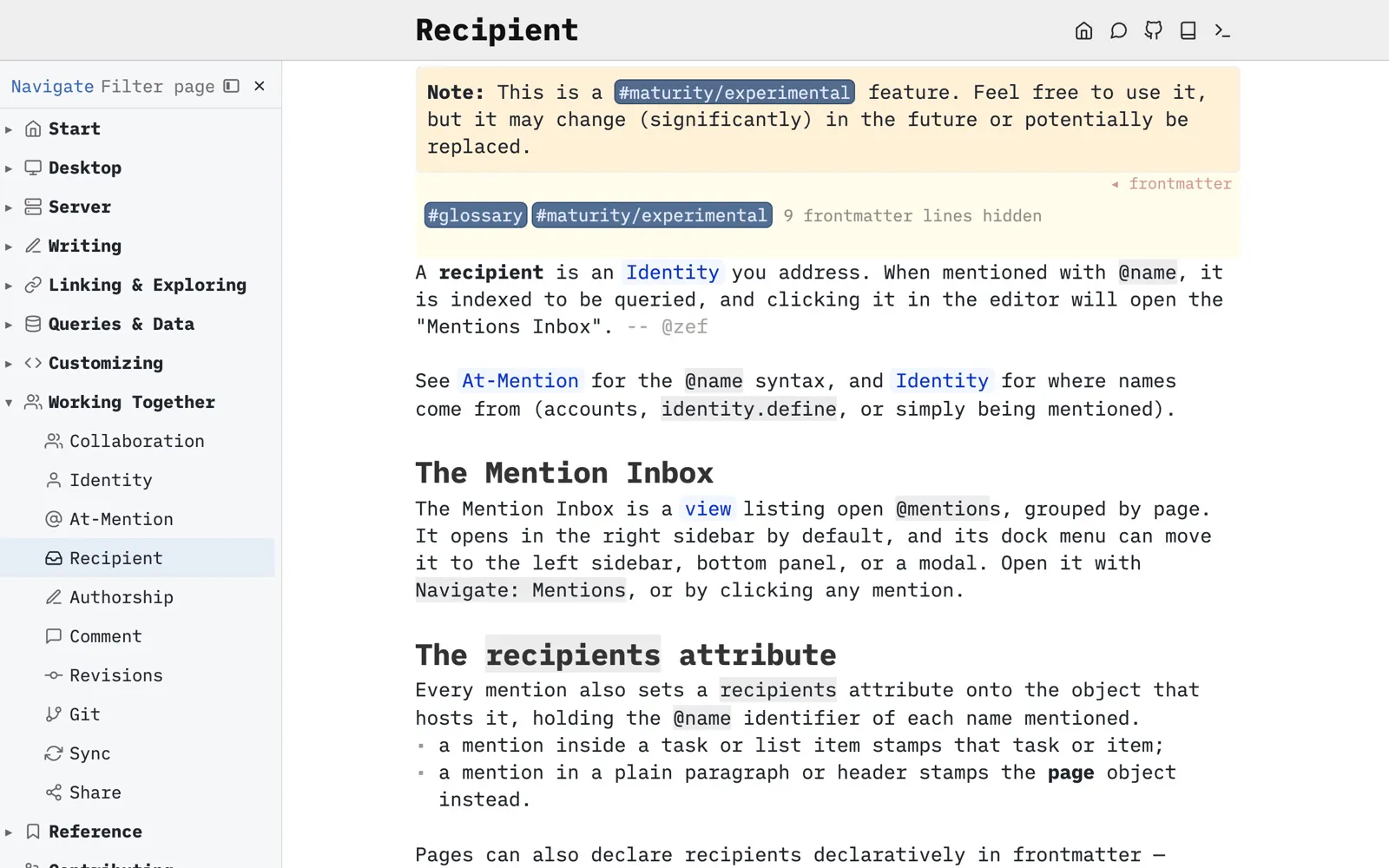
And also...
Versioned with your code.
Open your repository’s docs folder as a space with SilverBullet Desktop. Every edit is a plain markdown change: it shows up in the diff, gets reviewed in the pull request next to the code it documents, and is tagged with the release it belongs to.
Publish it, if you want to.
On SilverBullet Server, give the public read access to a space with one setting in the dashboard. Visitors get the full SilverBullet experience, with links, Linked Mentions and live queries, without an account, while you and your team keep editing the same space. Add full-text search with a library, as the documentation site does.
Styled your way.
A published space is styled like any other: a bit of CSS in a page, from colours and fonts to a whole theme, plus icons and prefixes on pages.
Or pick from a huge ecosystem.
Markdown is everywhere, and so are tools to publish it. If SilverBullet’s own publishing doesn’t suit you, use any other: a space is a folder of standard markdown, so static site generators such as Quartz, MkDocs or Hugo can publish it straight from git. Live queries and widgets can be baked into plain markdown first, so whichever tool you pick sees the result.
Your docs, next to your code.
Write in SilverBullet, review in pull requests, and publish the same files if you like. No second copy.
Get started