Personal knowledge.
A journal, your tasks, what you read and the people you meet, linked as you write. On your laptop, on your phone too, and working offline.
Your most private notes, your team’s wiki, your product’s docs, even your family’s fridge door: one tool that shapes itself to each, all in plain Markdown files fully under your control. Welcome to the wondrous world of SilverBullet.
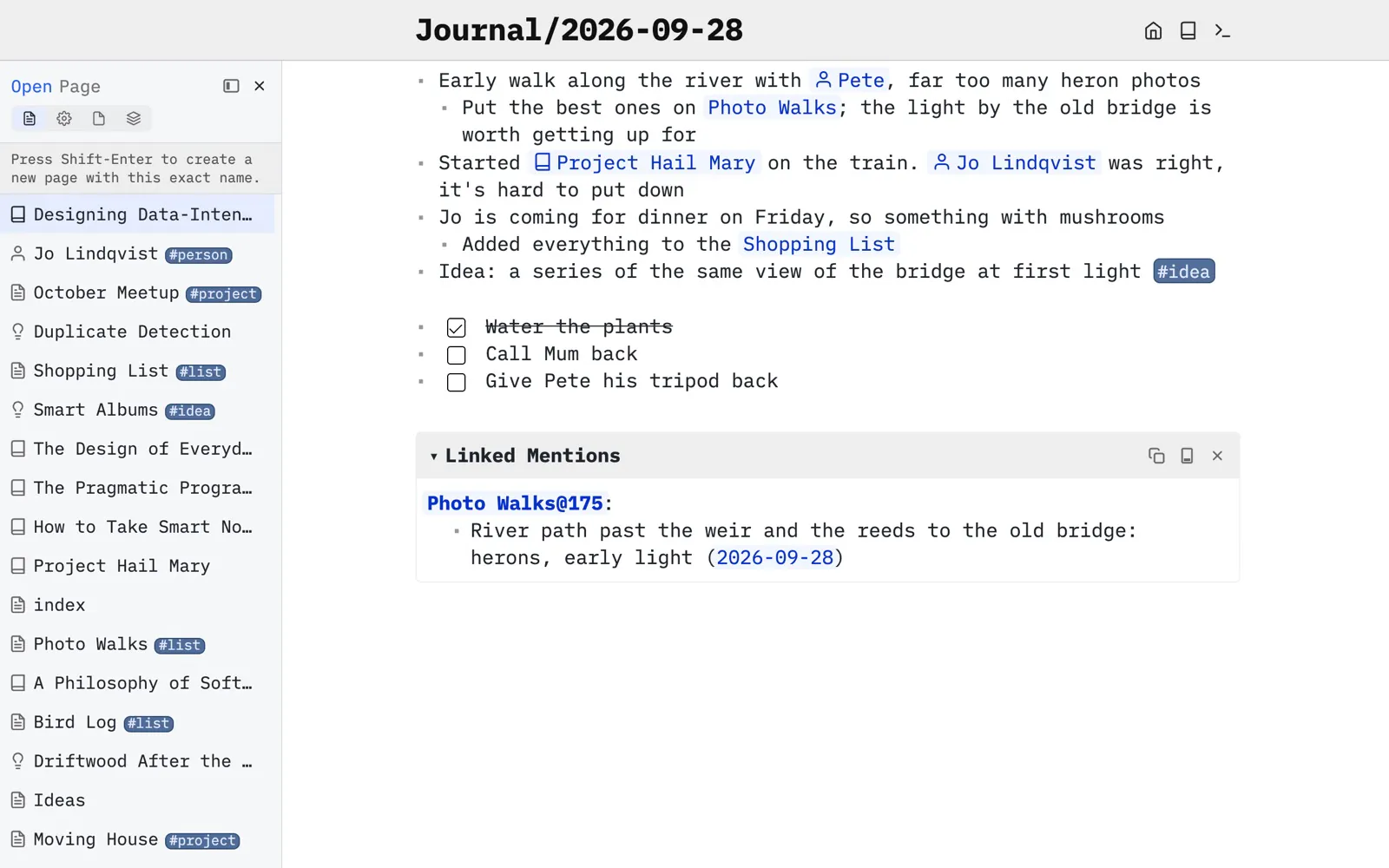
Your knowledge lives as plain markdown files in a folder on a disk you control: private by default, yours to keep, and reachable from any device, even offline. On top of that, SilverBullet bends to whatever you need it for. Let’s look at four different use cases.
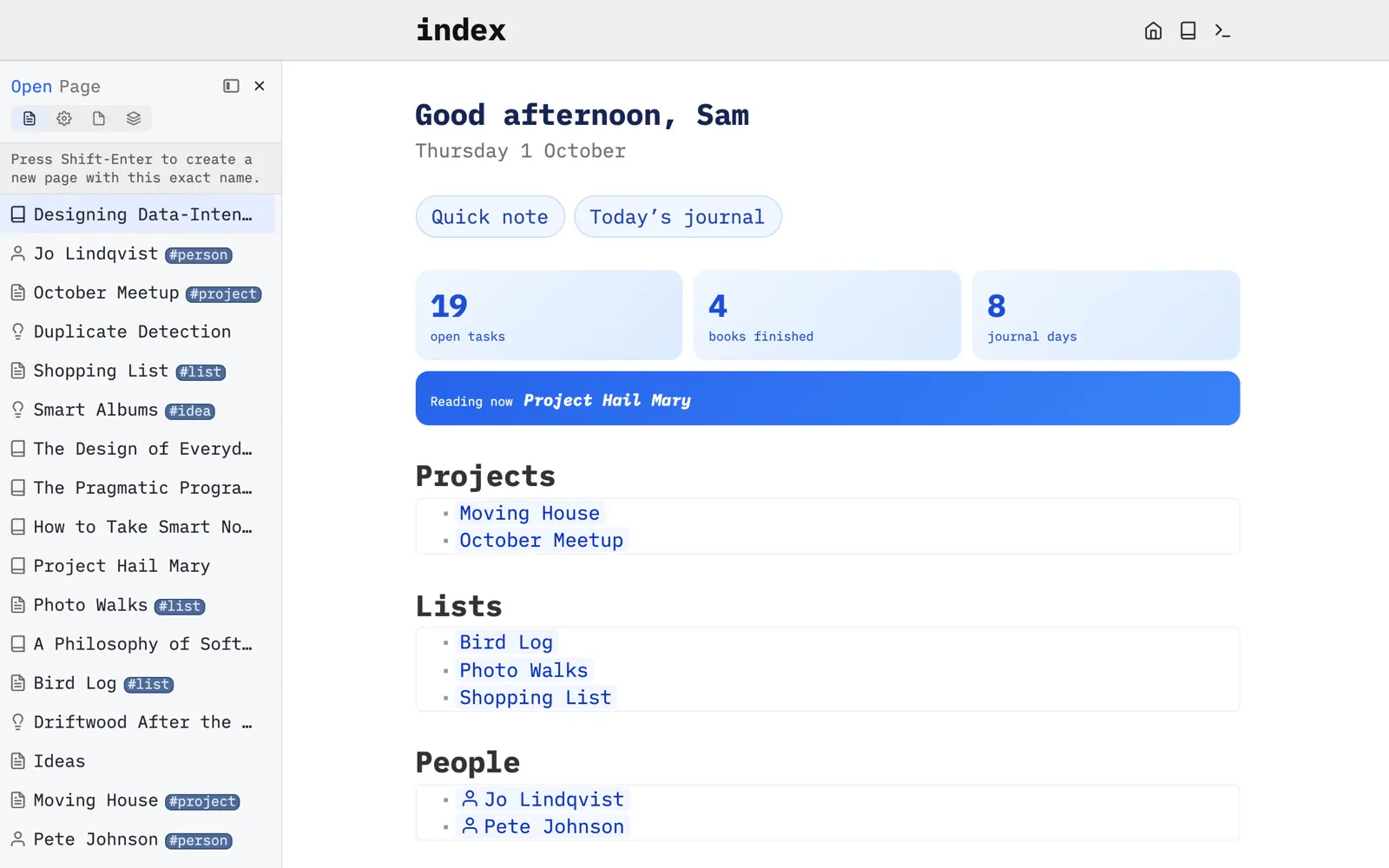
A journal, your tasks, what you read and the people you meet, linked as you write. On your laptop, on your phone too, and working offline.
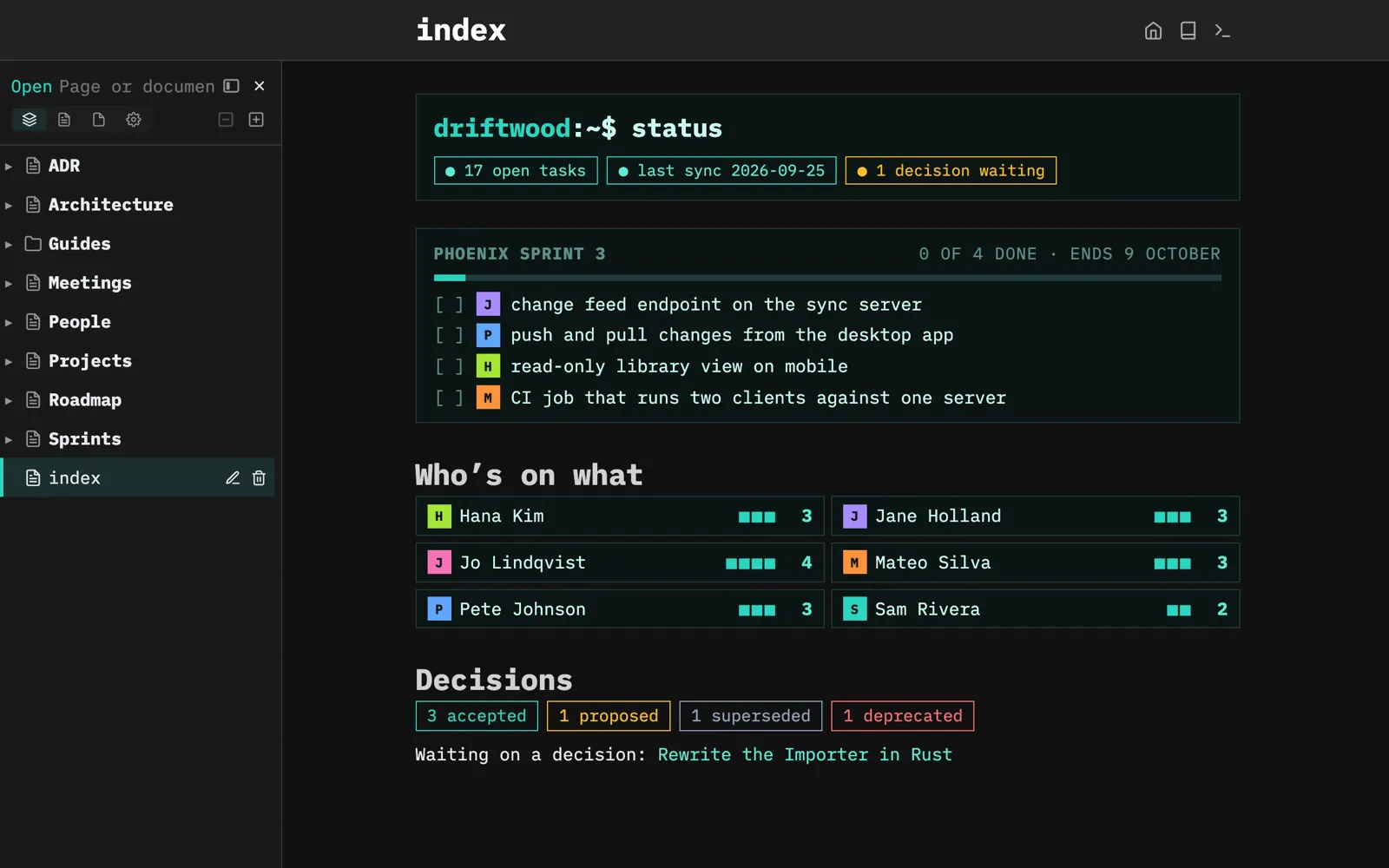
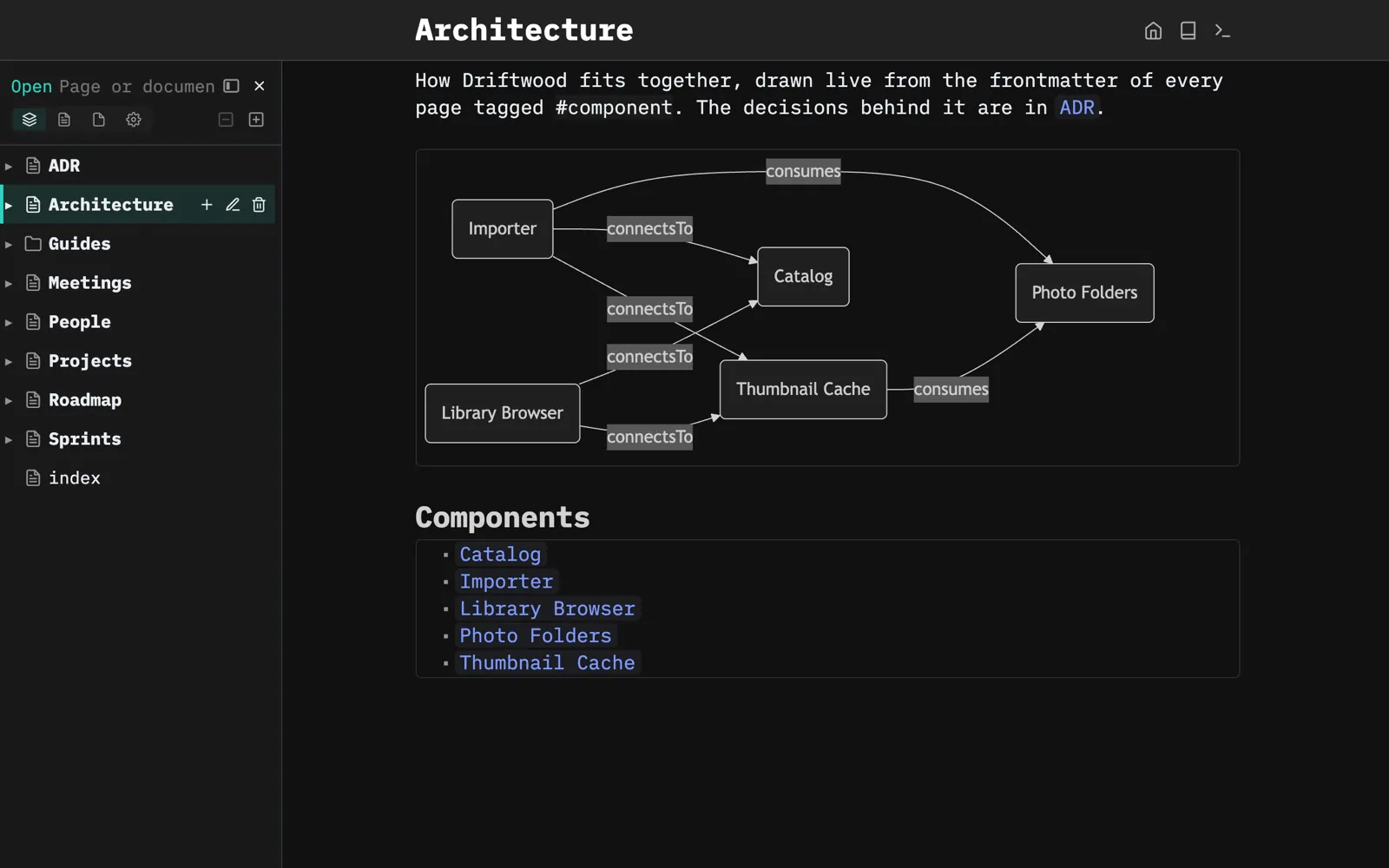
Decisions, sprints and architecture in one shared space. Assign tasks with @mentions, answer questions in comments, and see edits show up as they happen.
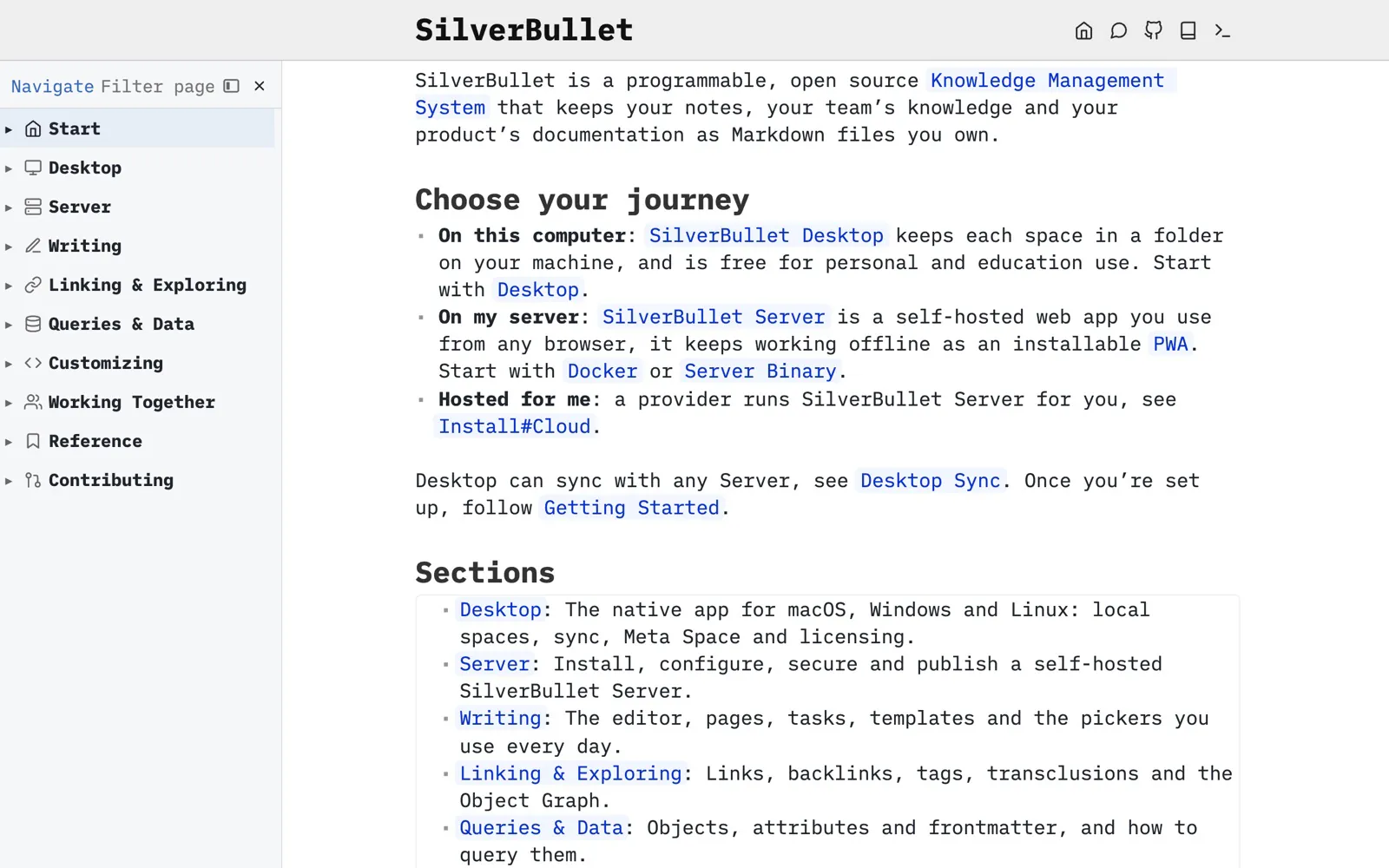
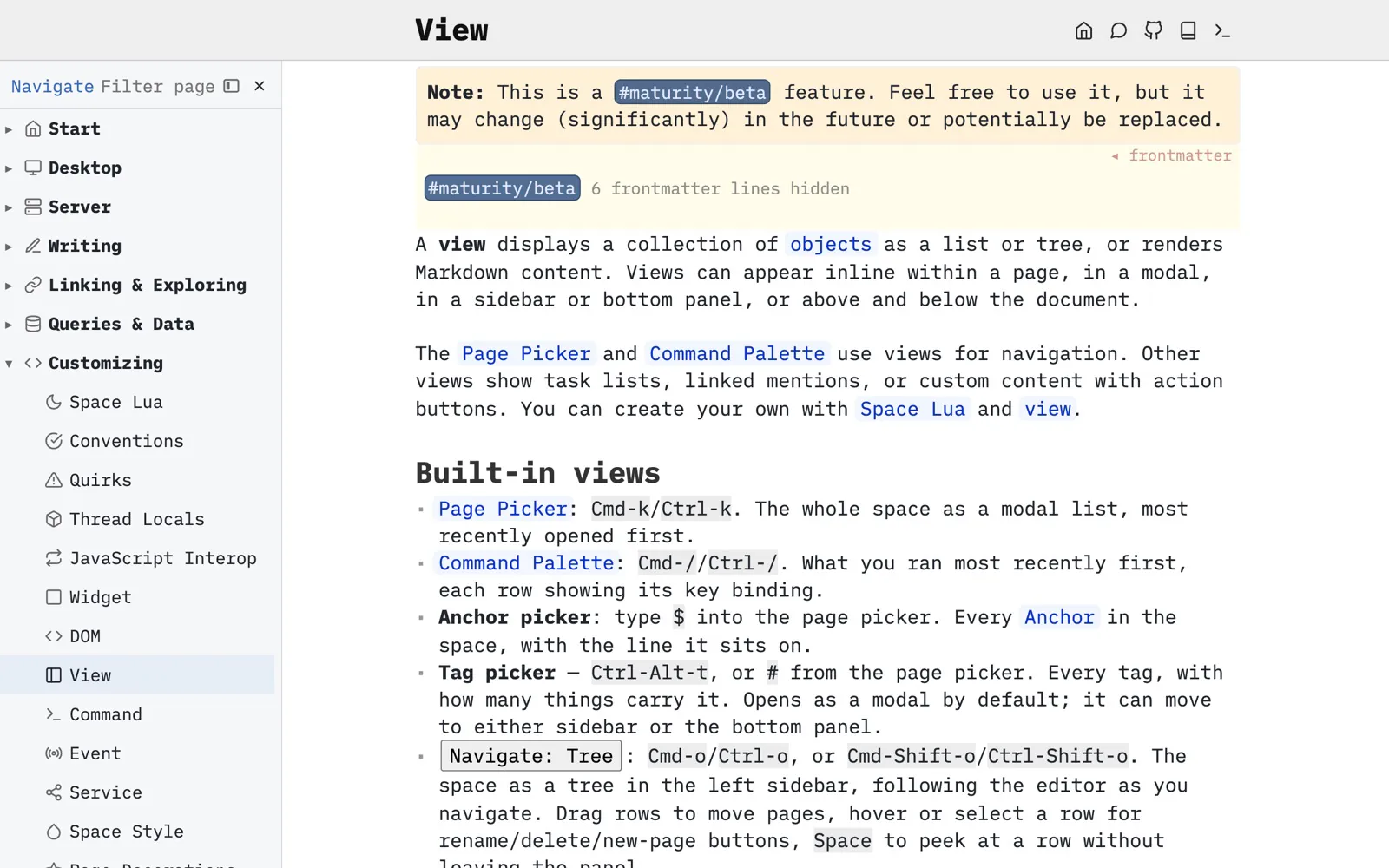
Documentation as markdown in the same git repository as the code it describes, reviewed in pull requests, and published as a site if you like.
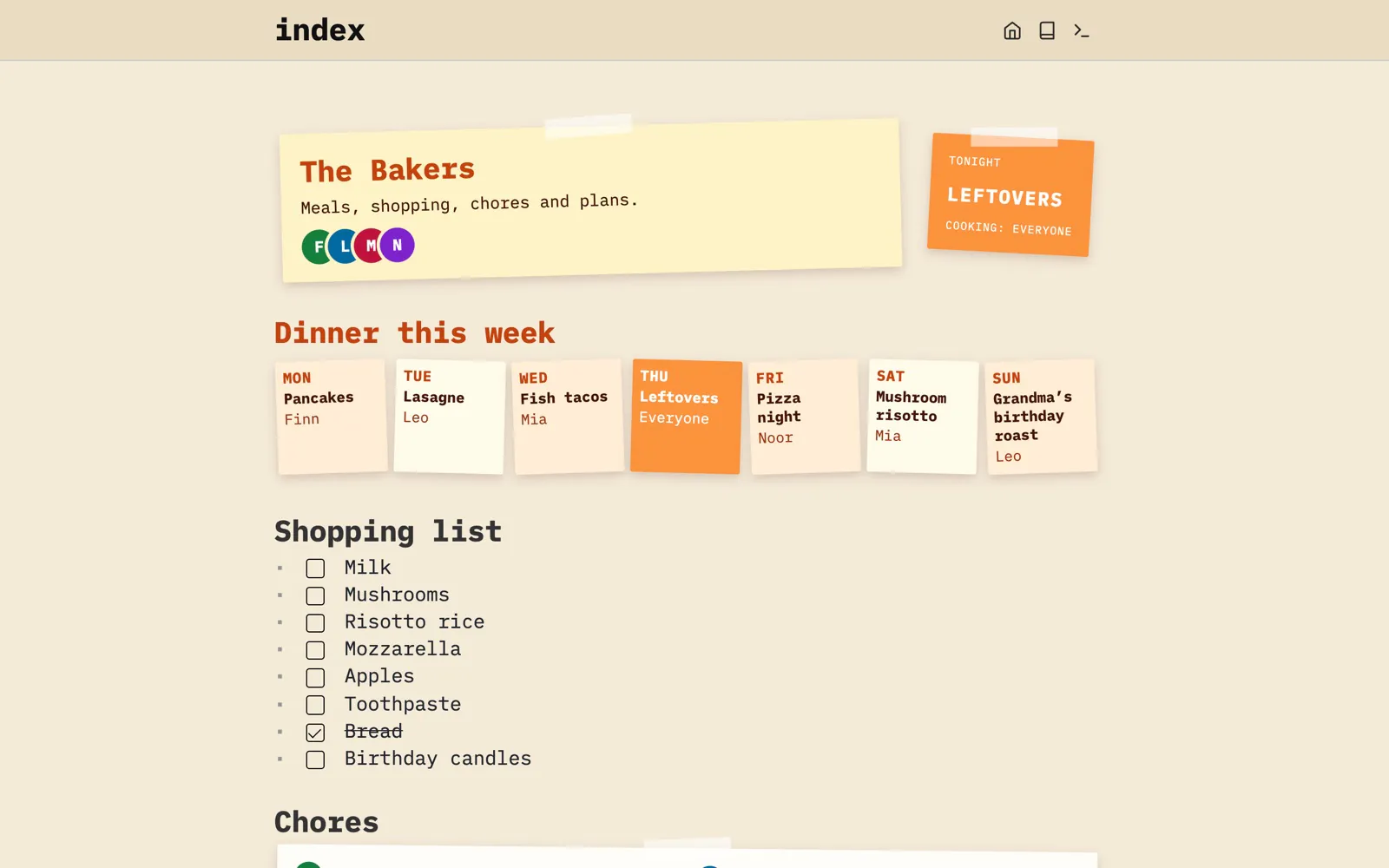
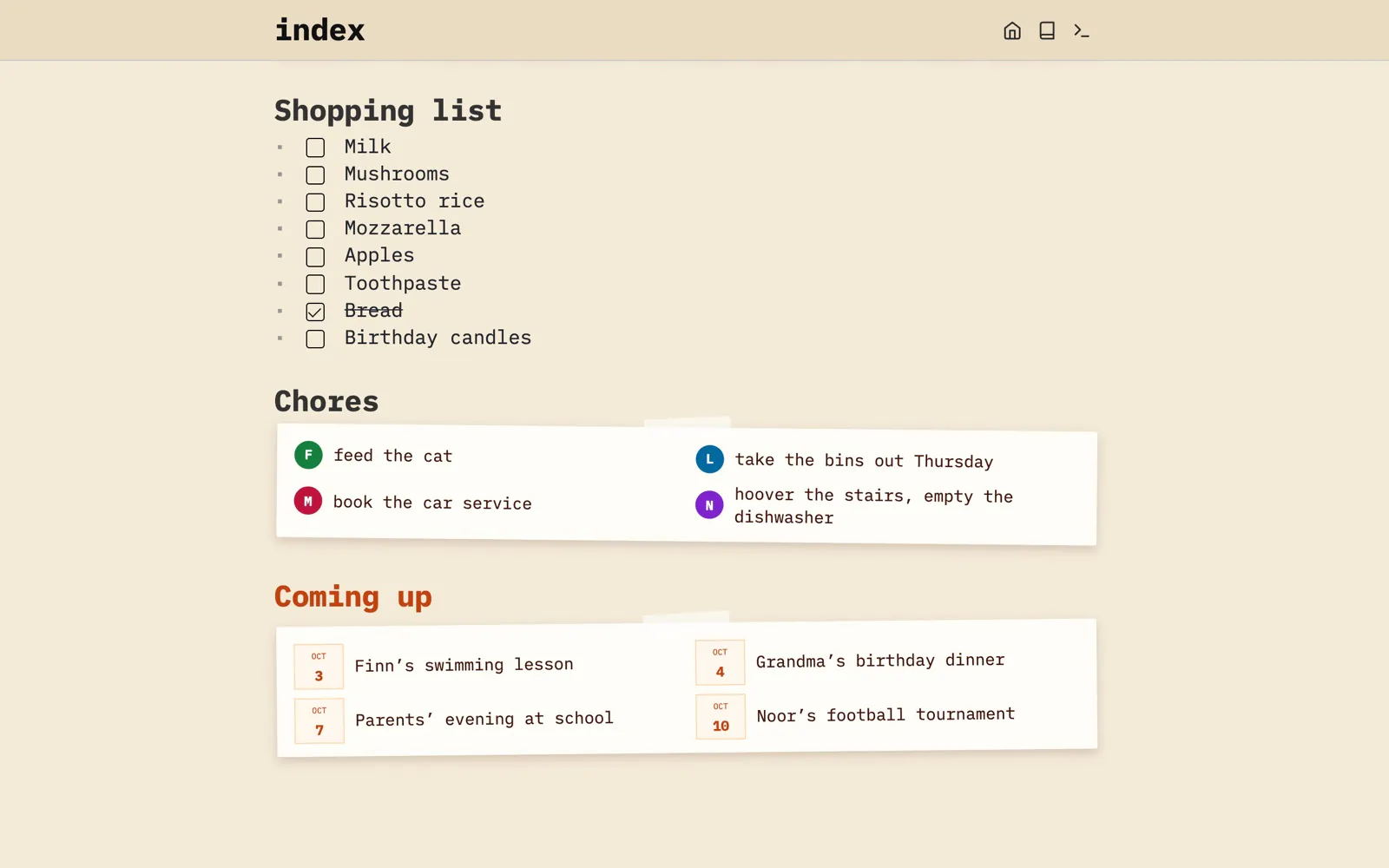
Dinners for the week, the shopping list and everyone’s chores, in one place the whole family uses from their own phones.
What underlies all these applications is Space Lua, the scripting language built into SilverBullet, kept in the space like any other page.
Accruing knowledge is one thing, successfully exploring and retrieving it is another.
Link a thought to the next one, and the one after that. Linking as you write is how notes turn into knowledge.

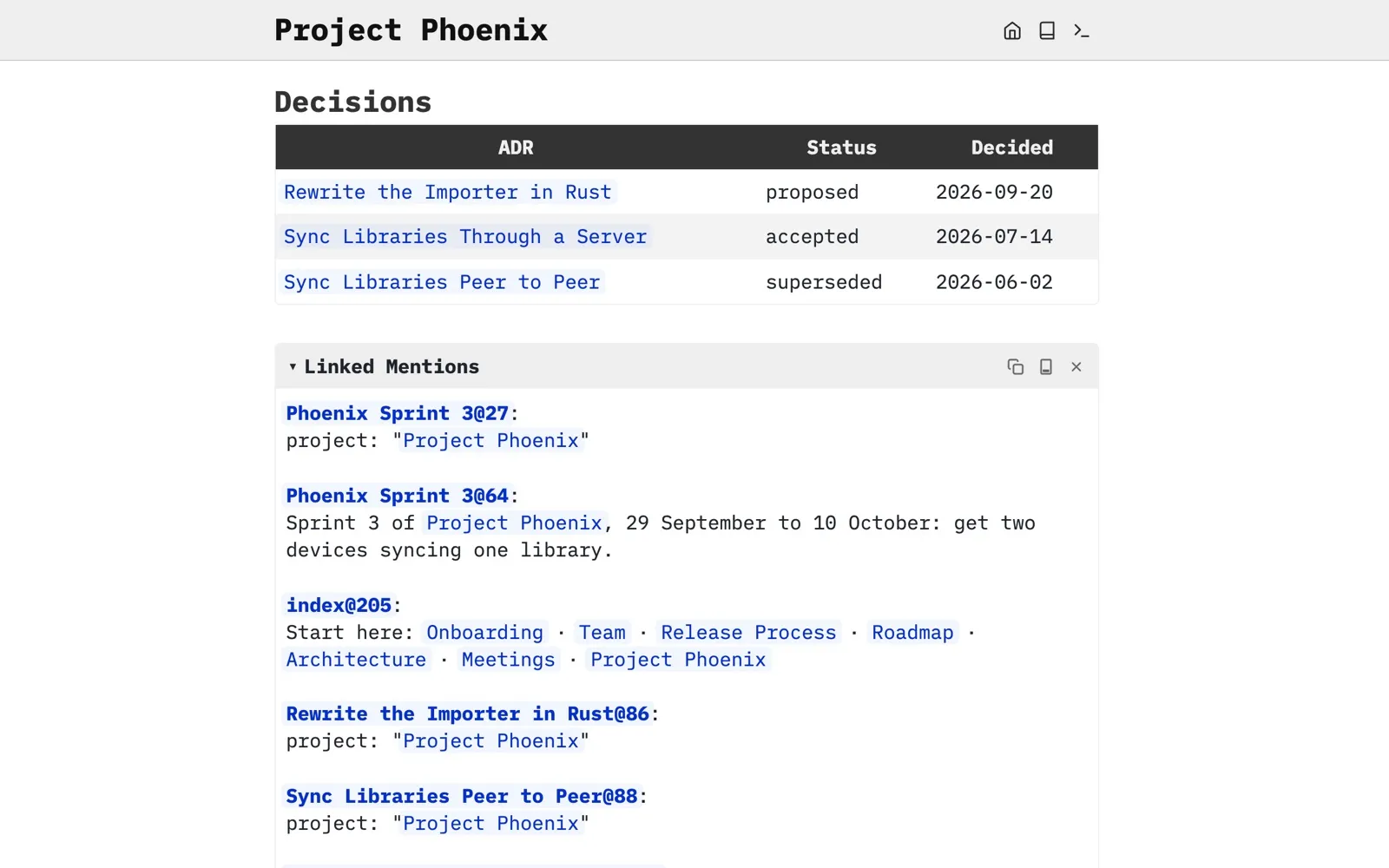
Every page shows everywhere else it’s mentioned, so connections you made months ago surface on their own.
The object graph draws your pages and how they relate, so you can wander through them visually.

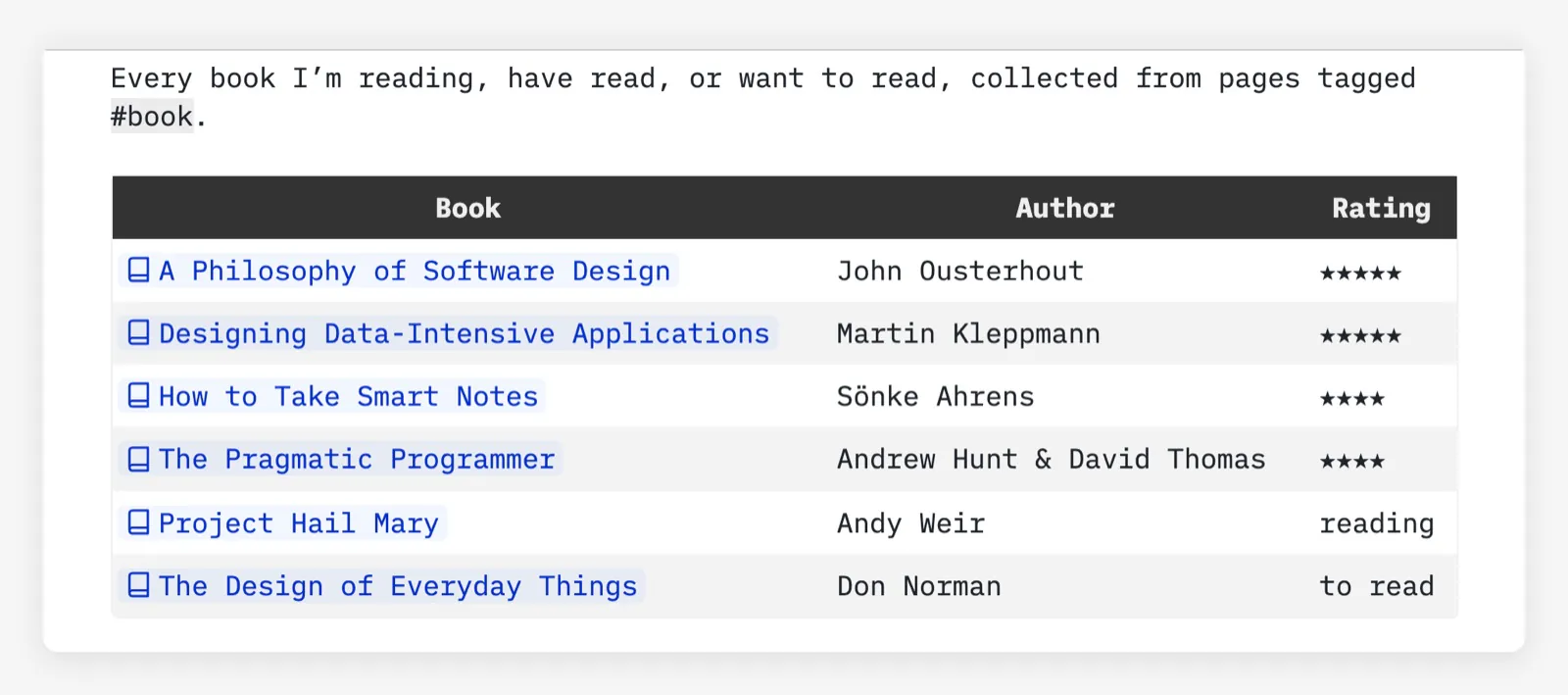
Query your notes like a database: every book you’ve tagged, open tasks across every project, everything still waiting on a decision. A query is a few lines of Space Lua, right in the page.
${query[[
  from b = index.contentPages "book"
  order by b.rating desc nulls last
  select {
    Book = "[[" .. b.name .. "]]",
    Author = b.author,
    Rating = b.rating and string.rep("★", b.rating) or b.status,
  }
]]}
Your notes are markdown in an ordinary folder, next to your images and PDFs. Open them in any editor, put them in git, back them up however you like. If SilverBullet disappeared tomorrow, your knowledge wouldn’t.
SilverBullet Server and the sb CLI are MIT licensed and developed in the open. Read the code, run it on your own hardware, fork it, and keep it running for as long as you like.
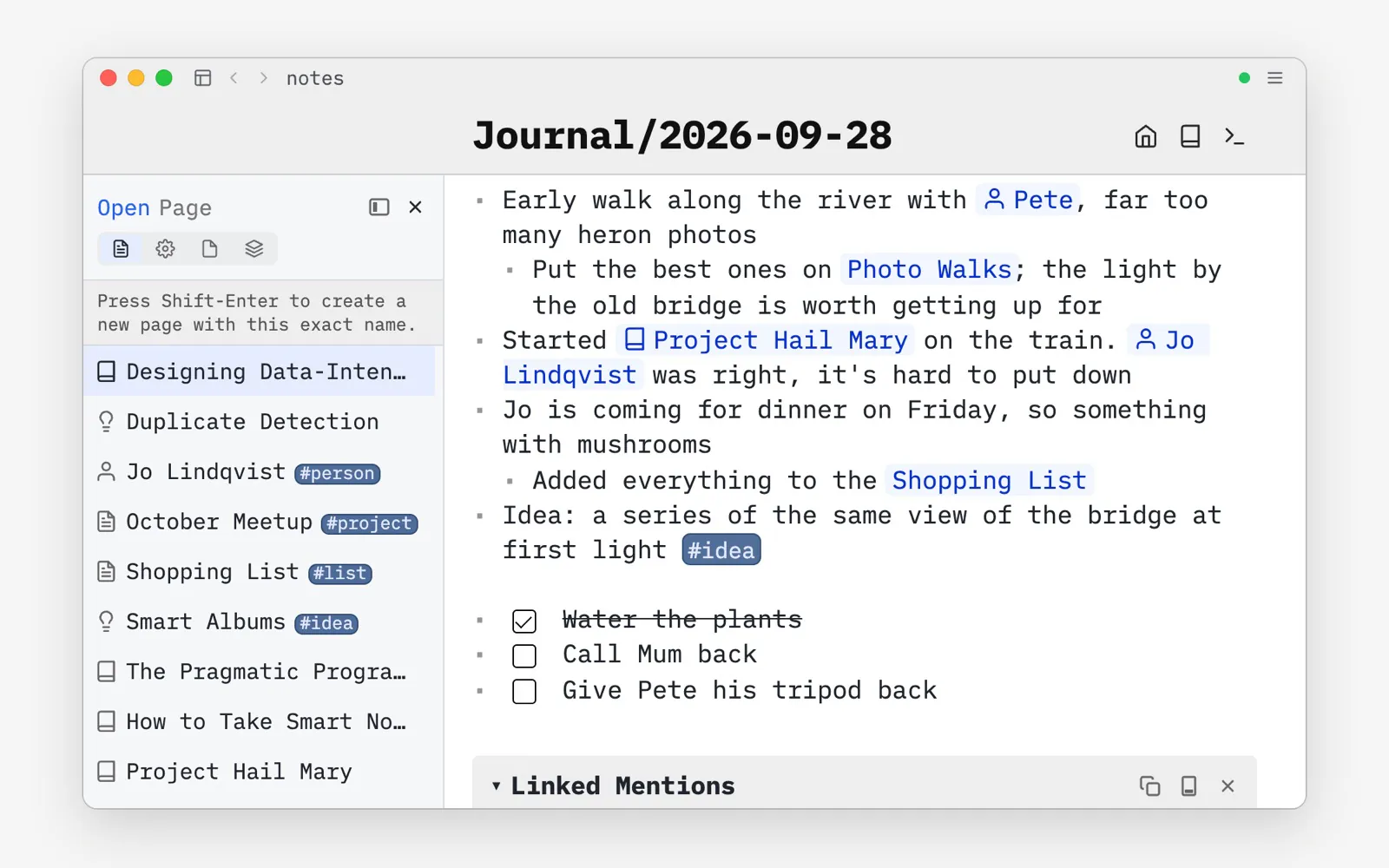
Pick SilverBullet Desktop. A native app for macOS, Windows and Linux, with your spaces as folders on your machine. Free for personal use.
Get Desktop →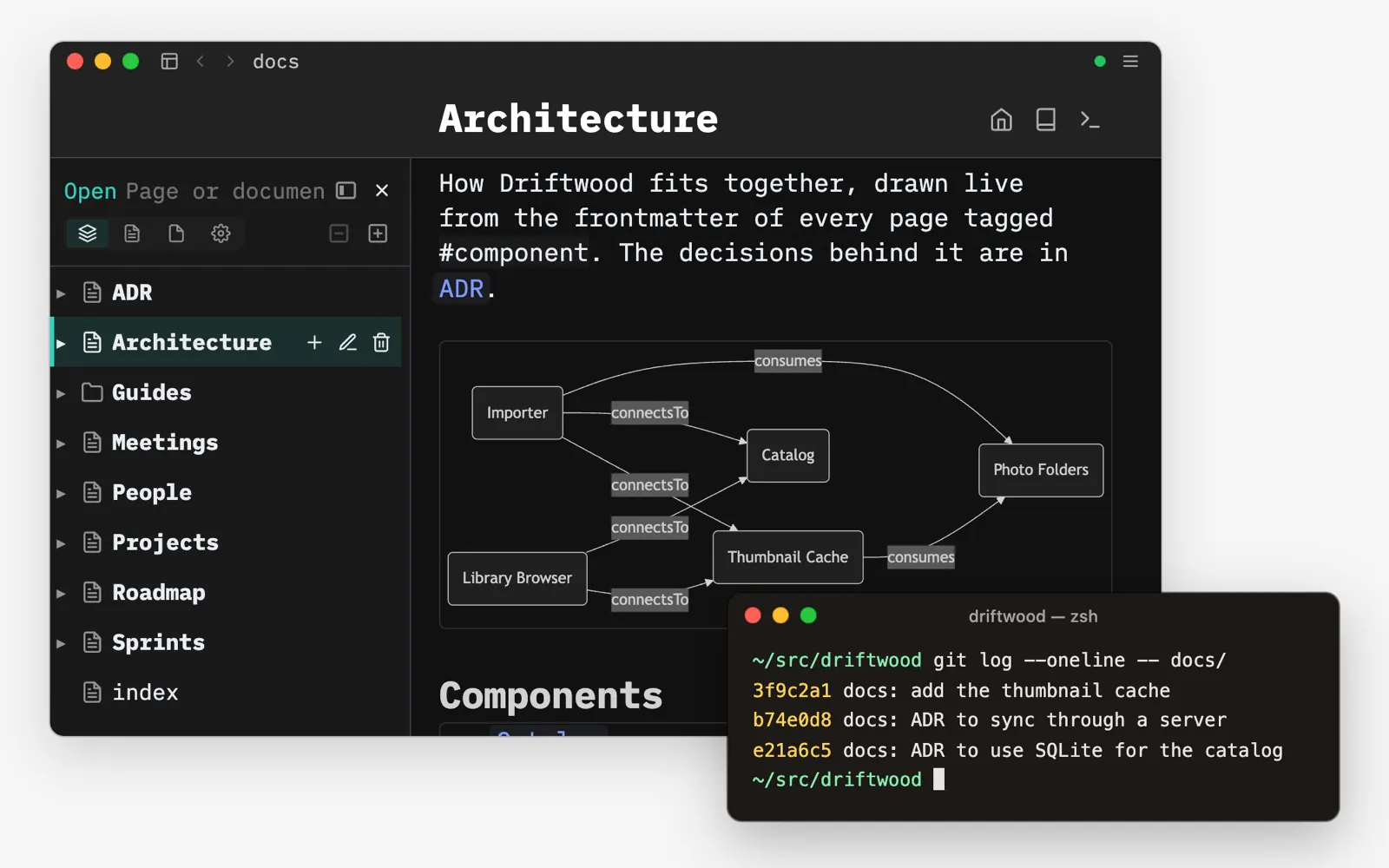
Pick SilverBullet Desktop, and simply open your repo’s docs folder as a space. Your knowledge stays plain markdown next to your code, versioned with git and reviewed in pull requests.
Get Desktop →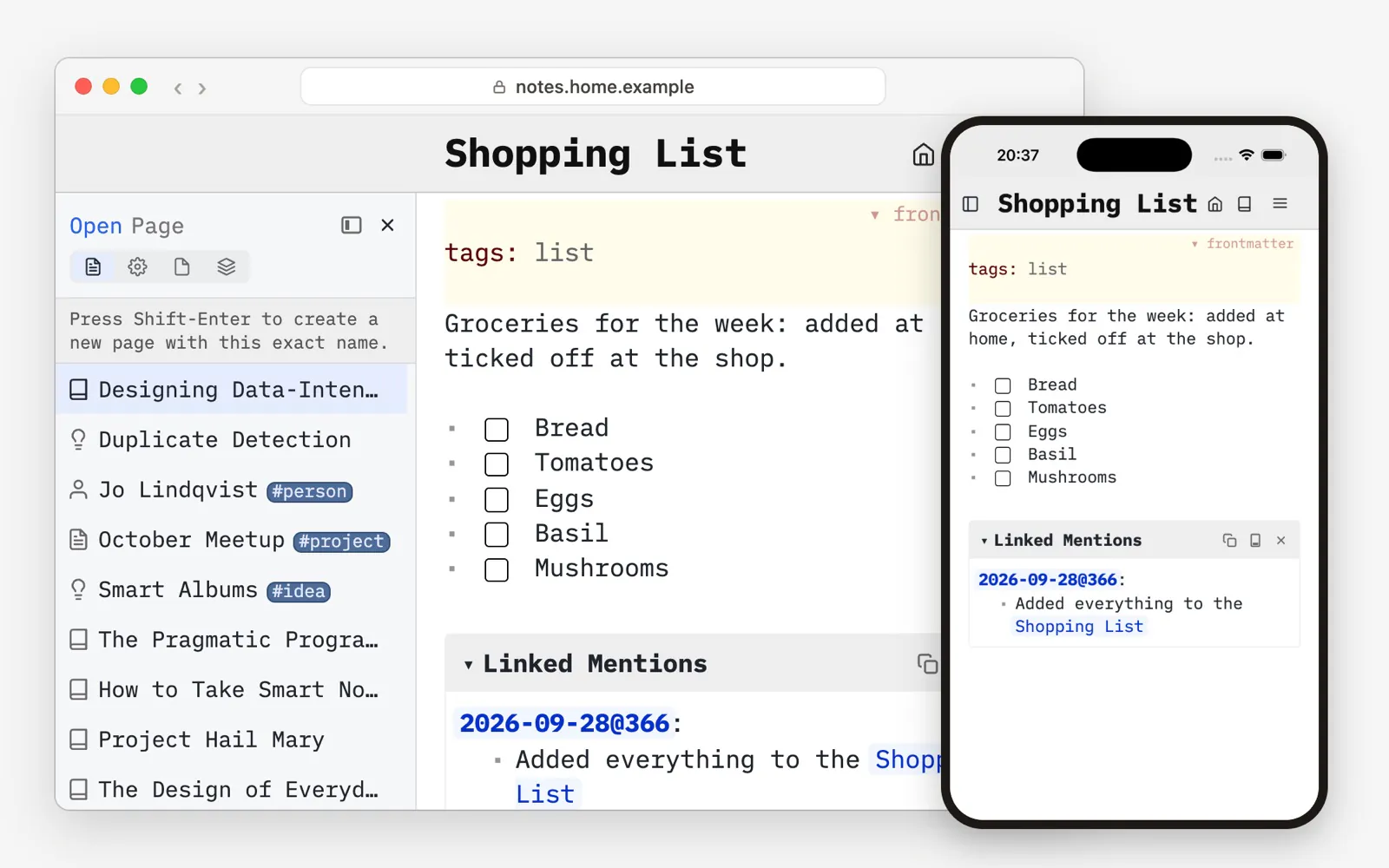
Pick SilverBullet Server. Self-host it as a single container, then use it from any browser, including on your phone. Open source and free.
Set up Server →
Let a hosting provider run SilverBullet Server for you. Sign up and start writing in minutes.
Find a host →Desktop syncs with any Server, so you can combine them and switch later. Where your data lives →