Publish your knowledge as a website.
Turn a space into a public site: your product docs, a handbook, a digital garden. Publish it with SilverBullet itself, or with any markdown publishing tool you like. It’s markdown all the way down.
Publishing usually means copying your notes into another system: export, convert, fix what broke, and do it all again every time something changes. The published version drifts from the real one.
Open it to the public.
On SilverBullet Server, give the public read access to a space with one setting in the dashboard. Visitors get the full SilverBullet experience, with links, Linked Mentions and live queries, without an account, while you and your team keep editing the same space. Add full-text search with a library, as the documentation site does.
Styled your way.
A published space is styled like any other: a bit of CSS in a page, from colours and fonts to a whole theme, plus icons and prefixes on pages.
Example: this documentation.
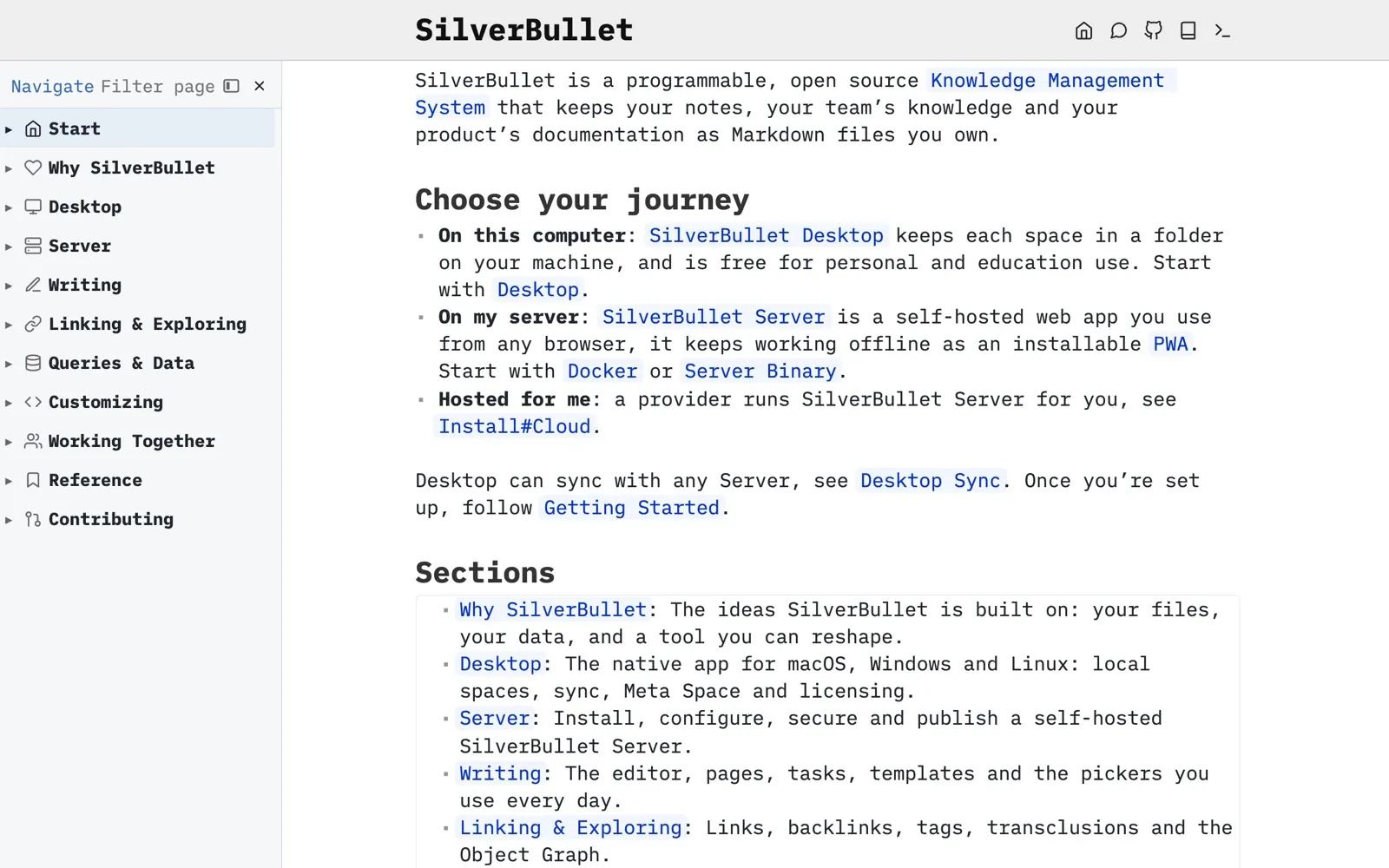
The SilverBullet documentation at docs.silverbullet.md is a SilverBullet space, open to the public for reading. Its navigation and section pages are built with the same features you have, and search comes from a community library.
Your knowledge, your site.
Write in SilverBullet and publish the same files, with SilverBullet or the tools you already use. No second copy.
Get started